Your form closes itself
the moment it's full
Form Limit Pro caps how many responses your Google Forms™ form can receive — in total, or per answer option. Built for first-come-first-served sign-ups, slot booking, and capacity management.
Email seokks0919@gmail.com and we will let you know as soon as it is available.
Two limits, used separately or together
Turn on only what you need. Each limit works independently.
The form closes when your cap is reached
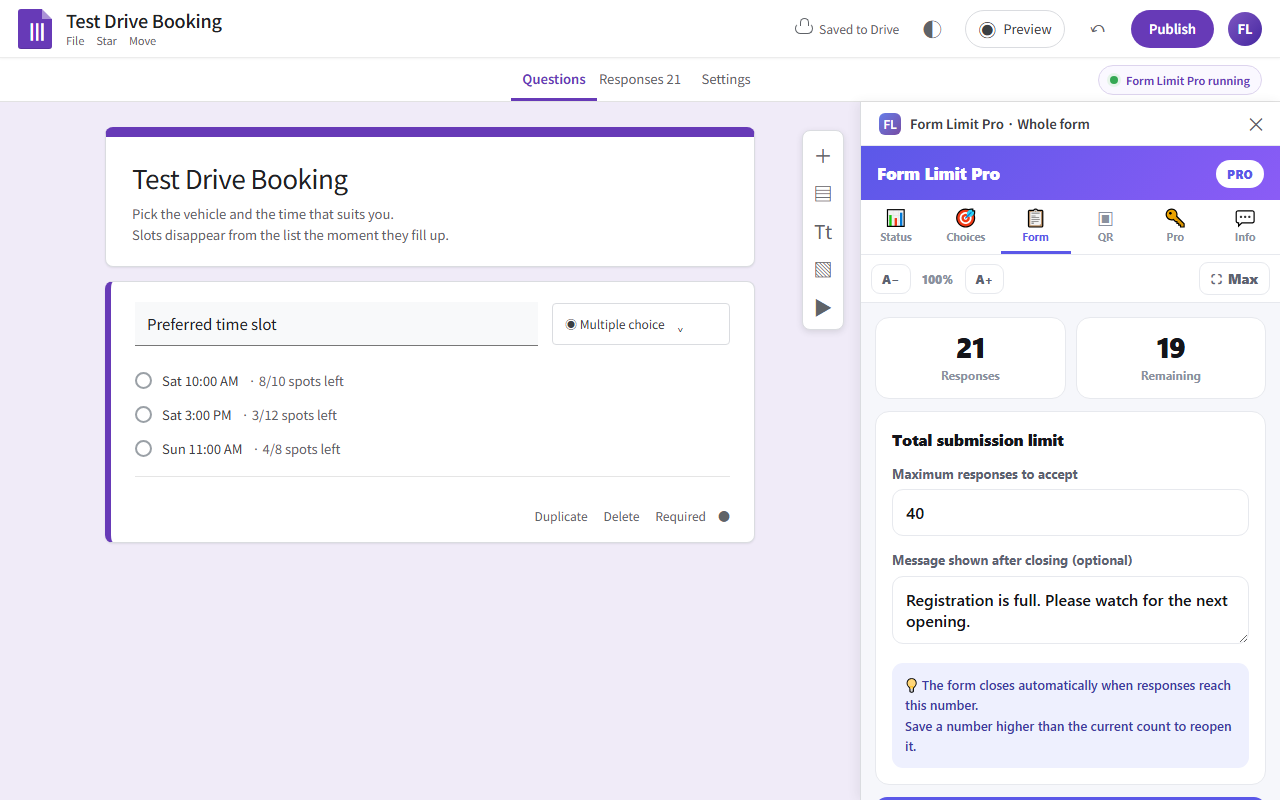
Set the maximum number of responses you want to accept. The form stops accepting submissions the moment it hits that number, and shows a closing message you write yourself.
Only the options that fill up disappear
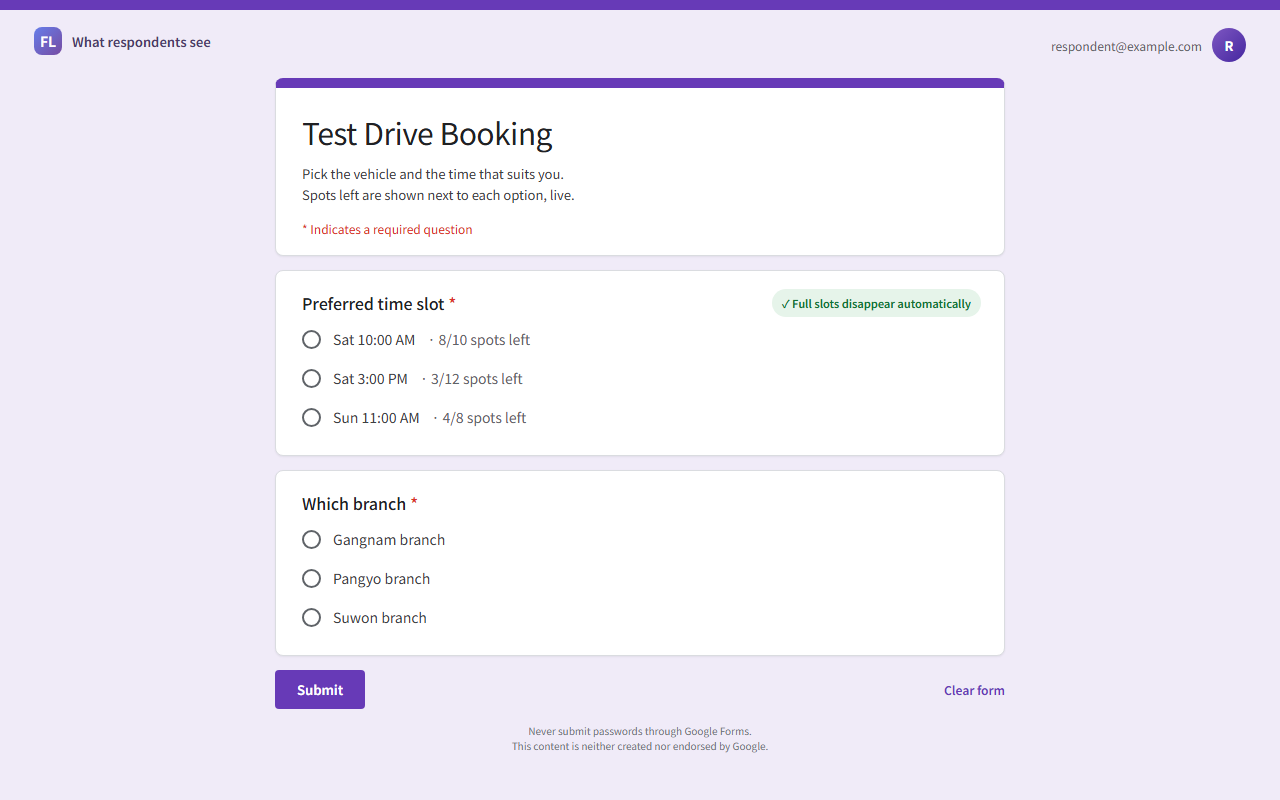
Give each answer option its own quota. A fully booked date vanishes from the list while every other date stays open for the next respondent.
- Raise a quota and the closed option — or the whole form — reopens instantly
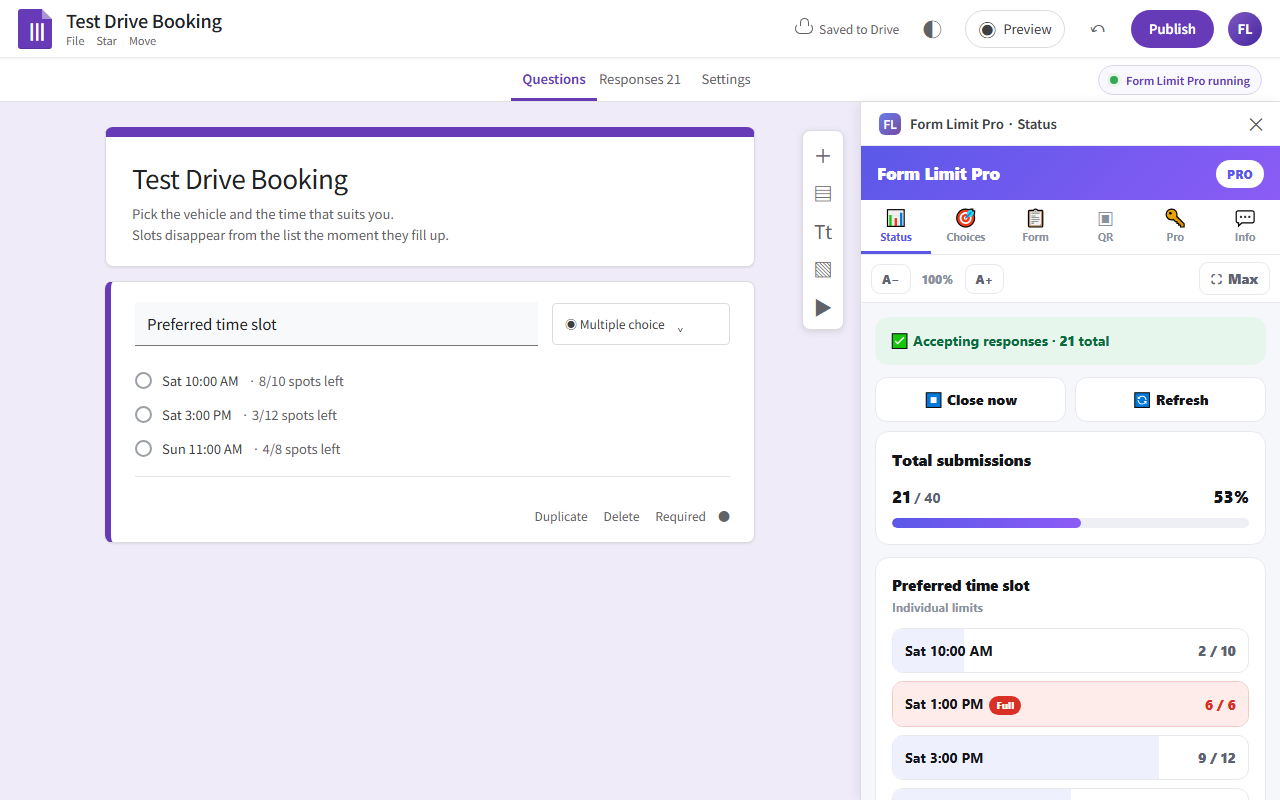
- Live status panel showing progress and remaining capacity
- Per-option quotas or one shared quota across all options
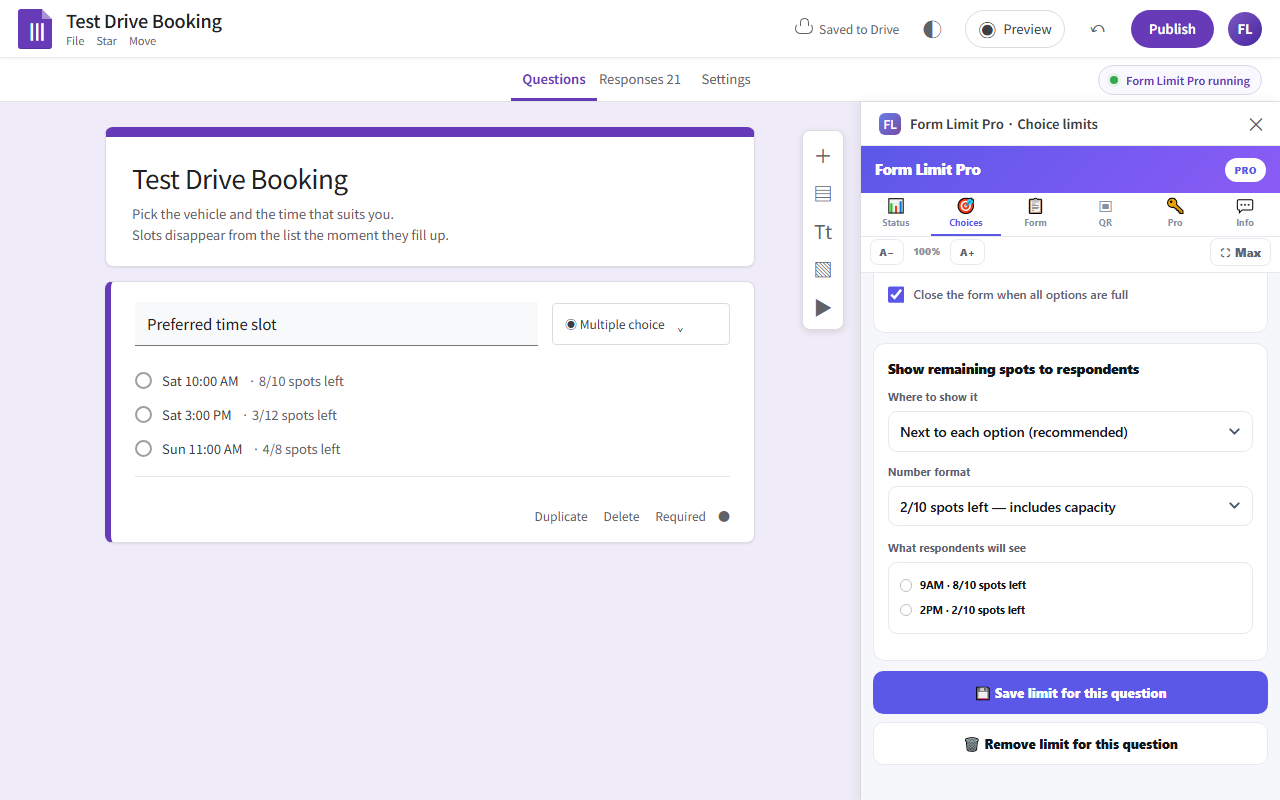
- Optionally show respondents the live number of spots left next to each option
- Email alert the moment a question is fully booked (Pro)
- QR code for your form — print it or show it on screen (Pro)
What people use it for
Anywhere a form has a fixed number of seats.
First-come-first-served sign-ups
Limited-quantity giveaways, early-bird registration, promo entries
Date & time slot booking
Test drives, consultations, site visits — each slot with its own capacity
Seminars and classes
Close registration automatically at room capacity
Survey sampling
Stop collecting once you reach your target sample size
Screenshots
Everything happens inside Google Forms™ — no separate dashboard.
Pricing
Every feature is unlocked for 14 days after you install.
- Total submission limit up to 50
- Per-choice limits on 1 question
- Live status panel
- No limits
- Per-choice limits on any number of questions
- Show live remaining spots next to each option
- Email alerts when a question fills up
- QR code for your form
- No subscription, no renewal
Payment is handled by Gumroad. After checkout we email a license key to the address you used to purchase, normally within one business day. Open the license panel at the top of the add-on sidebar, paste the key, and Pro is active. A key works only on the Google account it was issued for.
Permissions and why they are needed
The add-on can only reach the single form it is installed in. It never touches other files in your Google Drive.
| Permission | What it is used for |
|---|---|
| Access the current form forms.currentonly |
Read questions and response counts, remove options that reached their quota, and open or close the form. |
| Display sidebars script.container.ui |
Render the settings and status panels inside Google Forms. |
| Create a trigger script.scriptapp |
Run a check right after each submission so limits apply immediately. |
| Send email script.send_mail |
Send the optional "question is full" alert to the address you enter. No other address is ever used. |
| See your email address userinfo.email |
Confirm that your license key matches the account it was issued to. |
Response data is read only while the add-on runs, purely to count how many responses each option has received. It is never transmitted to or stored on any server we operate. All settings live inside your own form and your Google account. See our Privacy Policy for details.
Frequently asked questions
A few responses came in after the quota was reached.
Google Forms runs add-on code after a submission completes, so simultaneous submissions can exceed a quota by one or two. The status panel shows the overflow count. This is a platform behaviour that no Forms add-on can prevent.
How do I reopen a closed form?
Raise the limit above the current response count and save — the form reopens automatically. You can also use "Reopen responses" in the add-on menu. A form you closed by hand is never reopened without your action.
Can I restore options that were removed?
Yes. Use "Restore all options" in the add-on menu to bring back the original list from before any limit was applied.
My license key will not activate.
A key is bound to the email address used at checkout. Make sure you are signed in with that Google account. If your browser holds several Google accounts, try an incognito window with only that account signed in.
Can I move my license to another account?
Yes. Click "Deactivate license" on the old account and contact us — we will reissue a key for the new address at no charge.
Does any response data leave my form?
No. The add-on runs entirely inside your form and never sends response data anywhere.